|
RadiantQ jQuery Gantt Package
Entire HTML Samples
|   |
|
RadiantQ jQuery Gantt Package
Entire HTML Samples
| |
Deploying Gantt HTML Samples in IIS
Here we will go through the steps involved in deploying our samples that are part of our Install to an IIS server.
To deploy gantt in IIS you need to copy over following files from install path into your server.
RadiantQ jQuery Gantt Package\SampleBrowser.htm
RadiantQ jQuery Gantt Package\web.config
RadiantQ jQuery Gantt Package\SampleBrowserSrc (The JS files required to run the Sample Browser)
RadiantQ jQuery Gantt Package\Samples (The individual sample files).
RadiantQ jQuery Gantt Package\Src (exclude the bin folder).
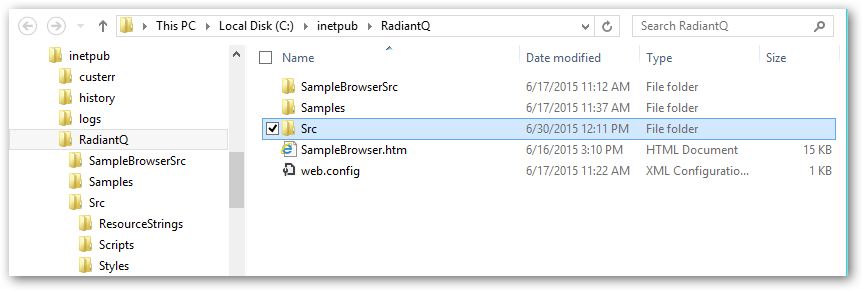
Files inside IIS Server path
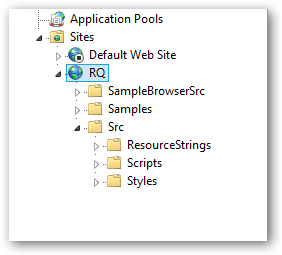
Same Files as above in IIS Manager
As mentioned in the previous topic Deploying Gantt, ensure the mime type for .json, so that the server serves the sample JSON files.

JSON Mime type added in IIS
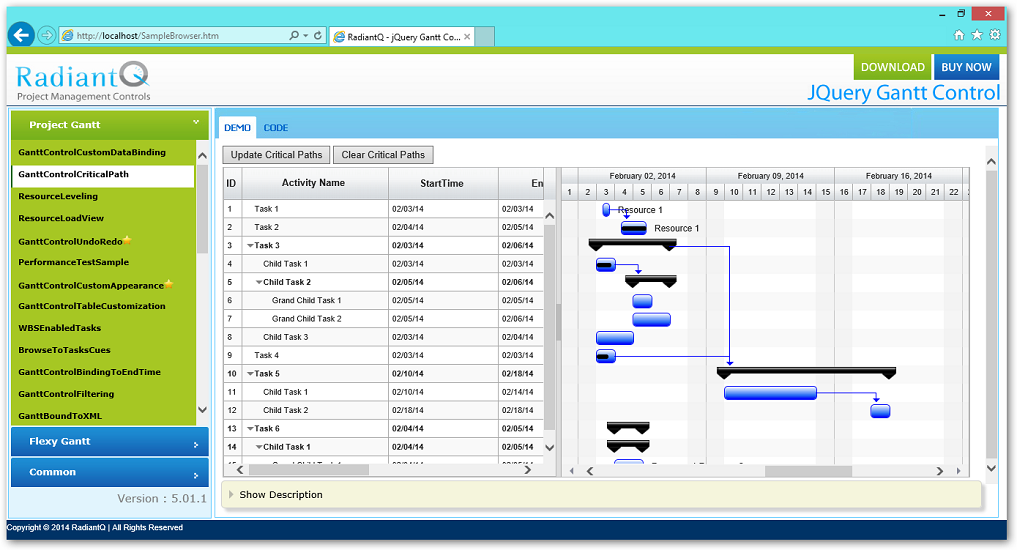
Samples running in your local IIS
© RadiantQ 2022. All Rights Reserved.